Hardware
A DJI Drone Simulator You Can Fly With Your Real Remote — in a Browser Tab
The remote is the hard part. Anyone who has handed a controller to a friend knows the moment: the drone is easy right up until it is pointing back at you, and then every input is backwards, and a thousand dollars of camera drone is drifting toward a tree.
The strange thing is how little anyone practises. Manufacturer simulators are limited and tied to particular hardware generations. The serious FPV sims do not speak to a DJI remote at all. So the most common drone controller on earth has almost nowhere to train.
We built that trainer, and it runs in a browser tab.
Your remote talks to the page directly
FPV Festival Simulator speaks your remote’s own protocol from the browser over Web Serial. There is no bridge application, no virtual joystick, no driver stack pretending your controller is a gamepad. You plug it in, click Connect DJI Remote, pick the port, and fly.
The setup, in full, because a surprise step is worse than a known one: plug the RC’s bottom USB-C into the computer, power it on, and leave it unlinked from the aircraft. Hit Connect and choose DJI USB VCOM For Protocol from the list. Chrome or Edge on desktop. If no DJI port appears in the list at all, install DJI Assistant 2 once for the driver, replug and retry. There is no calibration step — the sticks are pre-mapped, and the remote reconnects on its own next time.
What works, and what does not
Works: the RC-N2 and RC-N3 — the screenless controllers you clip a phone into. Their sticks and the gimbal wheel fly the sim.
Does not work: the Smart Controller, RC Pro and RC Pro 2. Those are locked Android controllers and they pass no stick data over USB. We would rather tell you that before you buy than after. If it ever changes, we will say so here.
If you already fly a RadioMaster or any other USB transmitter, it works everywhere through the Gamepad API with nothing to install at all, and so do most third-party remotes that show up as game controllers. Keyboard works if that is what you have tonight. You just will not get the exact stick feel of your own gimbals.
Camera Drone Pro
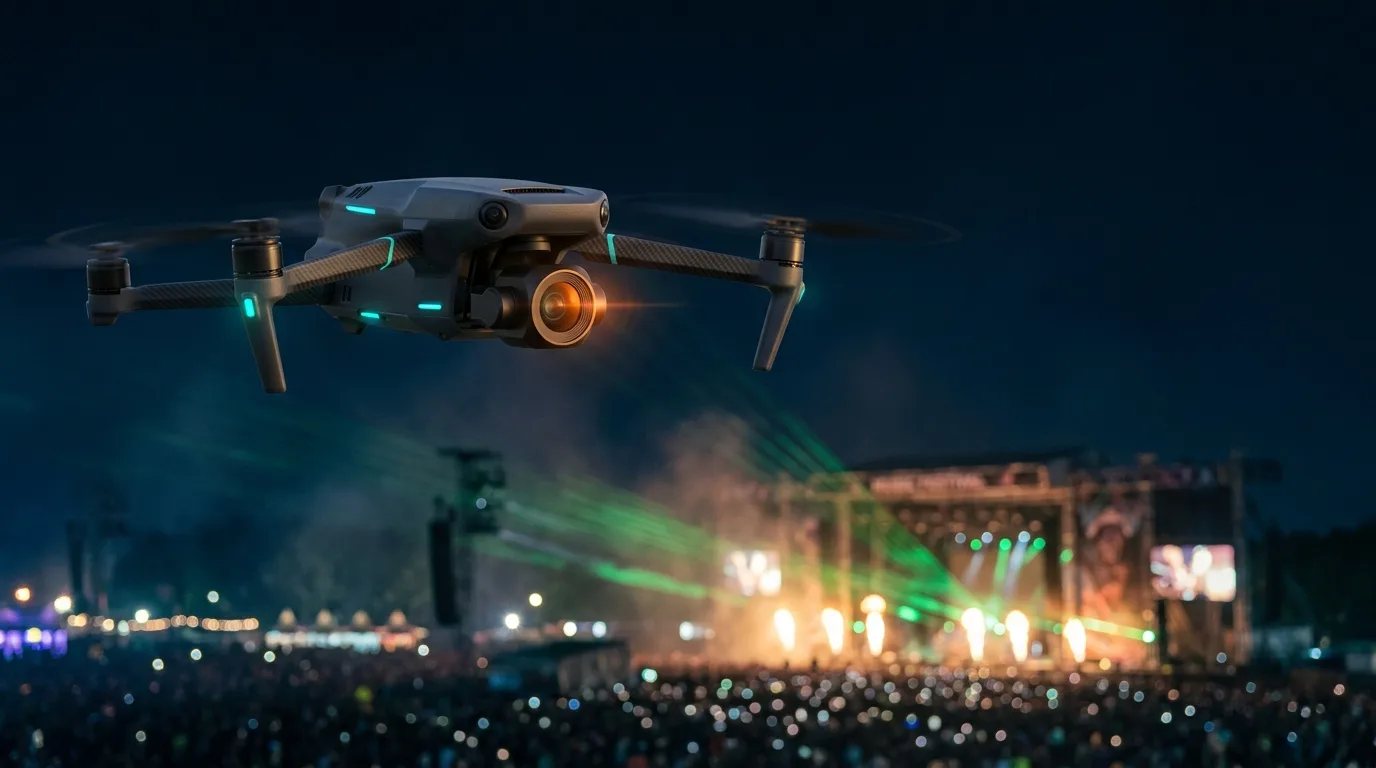
Flying with a DJI remote is part of Camera Drone Pro, which also changes what you are flying. Instead of an acro cinewhoop you get a GPS-stabilised camera drone: position hold, altitude hold, and the heavy cinematic brake-and-settle when you let go of the sticks. If you shoot events on a camera drone for a living, this is the part that matters — it is the aircraft you actually get paid to fly.
What is in it:
- Full gimbal operation. A three-axis gimbal with camera pitch on its own axis, and yaw that trails the turn rather than snapping to it — the classic follow-gimbal look. On a real remote it maps to the gimbal wheel, so your left thumb and your index finger are doing the same two jobs they do on a job.
- A 24 / 70 / 170 mm lens stack. Wide for the reveal, medium for the orbit, telephoto for the compressed shot from the back of the field. Longer glass flattens the perspective and steadies the frame, exactly as it does in the air — which is why the 170 is the one that makes a slow push look expensive.
- Cine, Normal and Sport. The three profiles you already fly, each with its own tilt ceiling and speed limits.
- Tuning for all of it. Max horizontal, ascent and descent speed. Max angular velocity and max tilt angle. Yaw smoothness, sensitivity, brake sensitivity, attitude sensitivity. Then an advanced gimbal section: pitch speed, pitch smoothness, wheel expo, yaw speed, yaw smoothness. It is the settings screen you would sit down and set up before a job, and it behaves like it.
Practise the shots that actually get hired: the slow reveal, the orbit that stays locked on subject, the rise-and-tilt that ends a sequence. And because this is a festival simulator, you practise them somewhere worth filming. Orbit a mainstage during the drop. Track a crowd surge from fifty feet. Frame a stage against pyro. The show reacts to whatever music you load, so no two sessions look the same.
Why practise in a sim at all
Real camera-drone practice costs money and risk. Batteries are twenty minutes. Crashes are hundreds of dollars. Flying over people is illegal without waivers most pilots will never hold. In the sim you can fly the exact scenarios that are expensive, illegal or terrifying in real life — a hundred times in an evening, for nothing.
Line-of-sight flying deserves its own mention. Most drone pilots are helpless the moment they look up from the screen, and it is a skill regulators, clients and plain common sense all expect you to have. The built-in LOS trainer drills it with a spectator camera, and it is free.
What it costs
The simulator is free in any modern desktop browser, with no download and no account: the open-field mainstage and the LOS trainer are yours forever. Camera Drone Pro is $4.99 and includes the camera drone, the lens stack and the remote connection above. The full game is $9.99 and unlocks all eleven venues in the game today. They are separate purchases in both directions, so you can buy Camera Drone Pro on its own and fly it on the free mainstage. Both together are $14.99.
Fly it
Open the link, plug the remote in, and find out how much of your muscle memory survives contact with a stage.